 blog
blog
5 Affordable Ways to Move Office Equipment Securely
Table of Contents
- Why Secure Office Equipment Movement Matters
- How to Move Office Equipment Safely: Professional Removal Services
- Office Equipment Packing Tips for Budget-Conscious Moves
- DIY Moving with Hired Van and Basic Security Measures
- Protecting IT Equipment During a Move: Data and Hardware Security
- Phased Moving: Spreading Costs and Risk Over Time
- Office Moving Checklist for Secure Equipment Transport
- Insurance and Liability: What You Need to Know
- Choosing the Right Method to Move Office Equipment Securely
- Frequently Asked Questions
Last Updated: October 11, 2026
Why Secure Office Equipment Movement Matters
Moving office equipment securely isn't just about protecting your belongings during transit. When you move office equipment securely, you're safeguarding your business continuity, protecting sensitive data, and ensuring your team can resume operations without costly delays. Equipment damage, data loss, or theft during a move can disrupt your business for weeks and drain your budget far beyond the initial moving costs.
At Fletcher Removals and Storage, we understand that office moves require more than standard packing and transport. Your equipment represents significant capital investment, and many items contain irreplaceable data or confidential information. The stakes are higher than a domestic relocation, which is why choosing the right approach matters.
How to Move Office Equipment Safely: Professional Removal Services
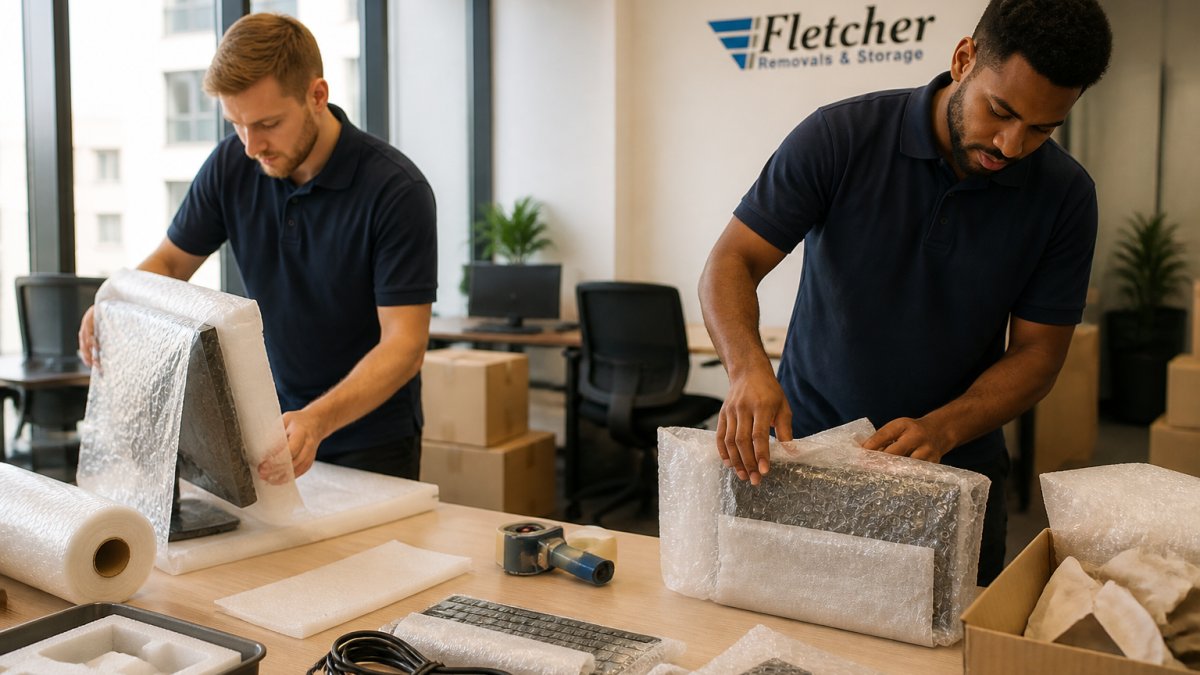
Professional removal services offer the most comprehensive approach to moving office equipment securely. Trained staff handle specialised packing, use appropriate protective materials, and manage liability through insurance coverage. This method eliminates the guesswork and reduces risk significantly.
Professional movers understand how to disassemble complex equipment, protect sensitive components, and reassemble everything correctly at your new location. They carry Goods in Transit Insurance, which protects your equipment throughout the journey. This peace of mind alone justifies the investment for most businesses.
The trade-off is cost. Professional services command higher fees than DIY approaches. However, when you factor in the time your team saves, the reduced risk of damage, and the insurance protection, the actual value often exceeds the upfront price. Fletcher Removals and Storage provides transparent pricing with no hidden fees, so you know exactly what you're paying for.
Office Equipment Packing Tips for Budget-Conscious Moves
If budget constraints mean you're handling some packing yourself, strategic preparation can minimise damage risk. Start by taking an inventory of everything. Document serial numbers, take photos, and note the condition of each item. This creates a baseline for insurance claims if needed.
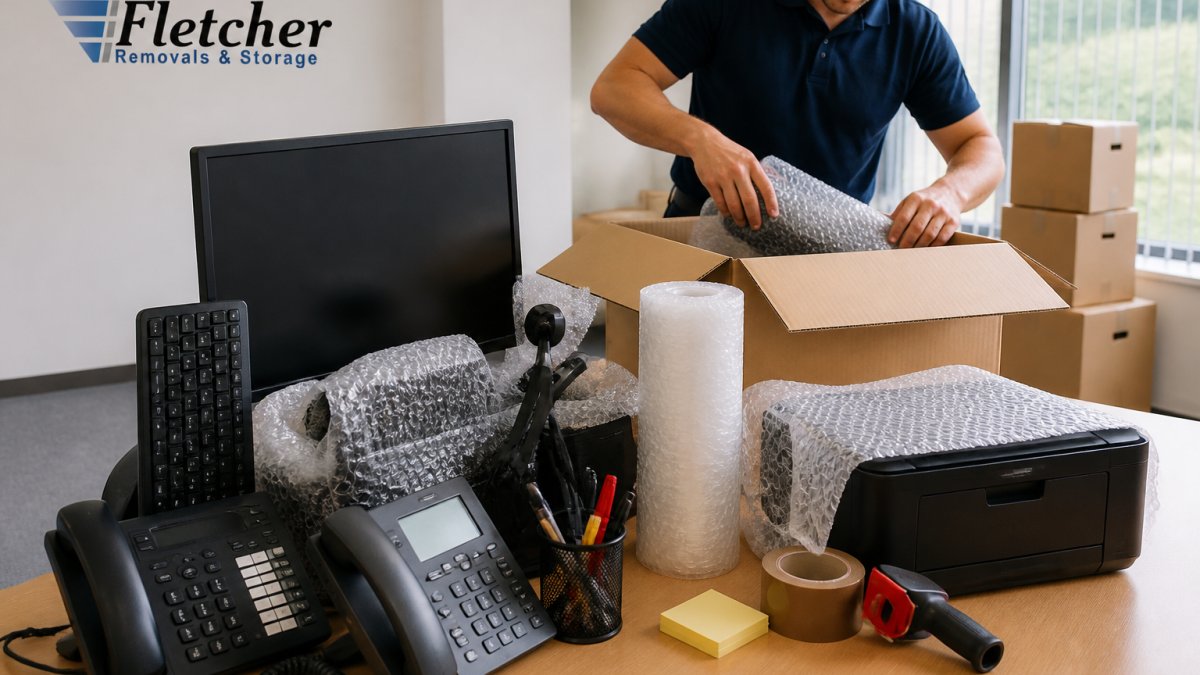
Use proper packing materials: bubble wrap for monitors and screens, foam corner protectors for desks, and sturdy boxes rated for the weight you're placing inside. Avoid newspaper as padding, it offers minimal protection. Label every box clearly with its contents and destination room. This prevents equipment from getting lost or damaged through mishandling during unpacking.
For IT equipment specifically, back up all data before packing begins. Disconnect cables carefully and photograph the setup so you can replicate it quickly. Bundle cables together and label each one. Store small components like power adapters in labelled bags taped to the equipment they belong to, preventing loss during transit.
DIY Moving with Hired Van and Basic Security Measures
Hiring a van and managing the move yourself reduces costs significantly compared to professional services. You control the timeline, handle packing personally, and avoid service markups. Many small businesses find this approach manageable for modest equipment quantities.
Success depends on realistic planning. Measure doorways and hallways at both locations before moving day. Arrange helpers in advance, moving office equipment requires at least two people for safety and efficiency. Hire equipment skates and furniture pads from the van hire company. These tools prevent damage to flooring and make moving heavy items far safer than carrying them.
Secure your equipment inside the van properly. Use rope or straps to prevent items shifting during transit. Never stack heavy equipment on top of fragile items. Drive carefully, avoiding sudden stops or sharp turns. When you move office equipment securely using this method, the key is treating it with the same care a professional would.
Protecting IT Equipment During a Move: Data and Hardware Security
IT equipment requires special attention beyond physical protection. Servers, computers, and networking equipment contain your business data and represent critical infrastructure. Data security during a move is non-negotiable.
Before moving any IT equipment, work with your IT department or provider to create a secure migration plan. Back up all data to secure cloud storage or external drives kept separate from the equipment itself. This ensures business continuity even if hardware is damaged or lost. Document all passwords, access credentials, and configuration details in a secure location away from the equipment.
During transit, keep IT equipment in climate-controlled environments when possible. Extreme temperature fluctuations can damage sensitive components. Protect servers and networking hardware from vibration and impact using specialist packaging. Consider hiring professional IT relocation specialists for complex systems.
Phased Moving: Spreading Costs and Risk Over Time
Phased moving spreads your office relocation across multiple trips or weeks, reducing the immediate cost burden and operational disruption. This approach works well for businesses that can operate from multiple locations temporarily or have flexible space requirements.
Move non-critical equipment first, furniture, storage systems, and items you won't need immediately. This reduces pressure on moving day and lets you identify any space or layout issues before moving essential equipment. Schedule the move of critical IT equipment and workstations last, when your new space is fully prepared.
Phased moving also reduces the risk of simultaneous equipment damage. If one shipment encounters problems, your core operations continue. However, this method requires more coordination and typically takes longer than a single-day move. It's most cost-effective when you have flexible timing and can absorb extended moving timelines.
Office Moving Checklist for Secure Equipment Transport
A comprehensive checklist prevents oversights that could compromise security or damage equipment. Start two weeks before moving day: inventory all equipment, arrange professional services or van hire, and notify your IT provider of the moving date.
One week before: back up all data, disconnect and photograph cable setups, and arrange helpers. Gather packing materials and label all boxes. Three days before: confirm arrangements with movers or van hire company, arrange utilities at the new location, and brief your team on the moving plan.
Moving day: verify all equipment is packed before loading, confirm that IT equipment is handled separately with appropriate security, and document what's loaded. After arrival: unpack carefully, photograph the condition of equipment, and verify nothing is missing or damaged. Keep all moving documentation and insurance paperwork for your records.
Insurance and Liability: What You Need to Know
Insurance protects your business if equipment is damaged, lost, or stolen during the move. Professional removal companies carry Goods in Transit Insurance as standard. This covers your equipment while in their care, though coverage limits and exclusions vary.
If you're hiring a van and moving yourself, your standard business insurance may not cover equipment during transit. Contact your insurance provider before moving day to confirm coverage. Many insurers require additional transit cover for high-value items. Document equipment value with photos and serial numbers, this supports any claim you need to make.
Professional movers also carry Public Liability Insurance, protecting you if their operations cause damage to your building or neighbouring properties. This is particularly important when moving large equipment through shared spaces or busy commercial areas. Always verify insurance coverage before hiring any moving service.
Choosing the Right Method to Move Office Equipment Securely
The best approach depends on your budget, equipment complexity, data sensitivity, and timeline. Professional services offer maximum protection and convenience but cost more. DIY approaches save money but require careful planning and carry higher risk.
For businesses with sensitive data, complex IT infrastructure, or high-value equipment, professional services are worth the investment. Fletcher Removals and Storage handles office relocations across the UK with trained staff, appropriate insurance, and transparent pricing. We manage everything from packing to secure storage, ensuring your equipment arrives safely.
For smaller moves with straightforward equipment, phased DIY moving or hired van transport may suffice. The key is matching your method to your actual risk and budget constraints. Whatever approach you choose, planning ahead, using proper materials, and maintaining insurance protection are non-negotiable.
Moving office equipment securely protects your business investment and ensures continuity when relocating. Whether you choose professional services or manage the move yourself, careful planning and appropriate security measures are essential. Fletcher Removals and Storage provides comprehensive removal and storage solutions tailored to your specific needs, with trained staff, Goods in Transit Insurance, and transparent pricing. Get started with Fletcher Removals and Storage and move with confidence, knowing your equipment is in professional hands.
Frequently Asked Questions
What's the cheapest way to move office equipment without sacrificing security?
A phased approach often costs less than moving everything at once. You can relocate non-urgent items during off-peak periods when removal rates are lower, then hire professionals for sensitive IT equipment and valuable furniture. This spreads costs and allows time to pack carefully, reducing damage risk. Combining DIY packing with professional transport for fragile items also balances affordability with security.
How should computers and monitors be packed for a move to prevent damage?
Computers and monitors need individual protection. Wrap each monitor in bubble wrap and place in its original box if available; otherwise use sturdy boxes with foam padding. For CPUs and towers, use anti-static bubble wrap to prevent electrostatic discharge, then cushion with foam. Label all cables clearly before disconnecting. Keep all items in climate-controlled transport and avoid stacking heavy items on top. Professional movers trained in IT equipment handling can minimise this risk significantly.
How do I know if my office move is properly insured?
Ask your removal provider for proof of Goods in Transit Insurance and Public Liability Insurance before booking. Check that coverage limits match your equipment value. For high-value items like servers or specialised machinery, you may need additional cover. Review the insurance policy details to understand what's excluded (often includes data loss or confidential information). Always get quotes in writing with insurance details specified, and keep an itemised inventory of everything being moved.
Can you move office equipment if I'm not there to supervise?
Yes, professional removal teams handle unsupervised moves regularly. Ensure you've provided detailed instructions and a complete inventory beforehand. Consider hiring a removal company with trained staff and proper insurance, as they're accountable for handling. Create a detailed checklist of what's being moved and its condition. You can take photos before and after if concerned. For sensitive items, ask about their packing procedures and whether they offer photographic documentation of the process.